Language Docs
Getting Started
Install Install the latest build by going through our install section. Help You can always make use of -h or --help flag to see how mutant can be used. This help feature is subject to evolve and improve over time. mutant -h Expected Output REPL Run following command to ensure that mutant has been installed successfully mutant If it is installed correctly, then you should be able to see a similar screen: To run the age old “Hello, World” program, use following code snippet following image should be your output:
Install
Install the latest build by going through our install section.
Help
You can always make use of -h or --help flag to see how mutant can be used.
This help feature is subject to evolve and improve over time.
mutant -h
Expected Output 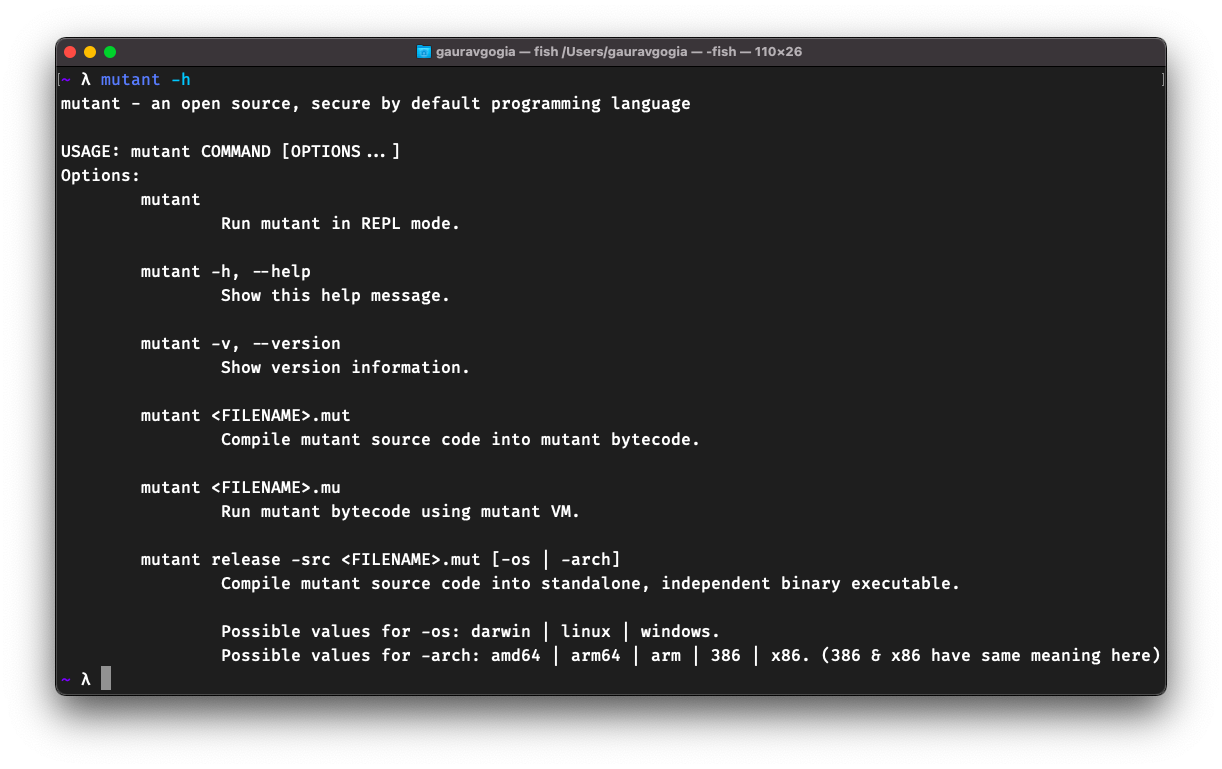
REPL
Run following command to ensure that mutant has been installed successfully
mutant
If it is installed correctly, then you should be able to see a similar screen:
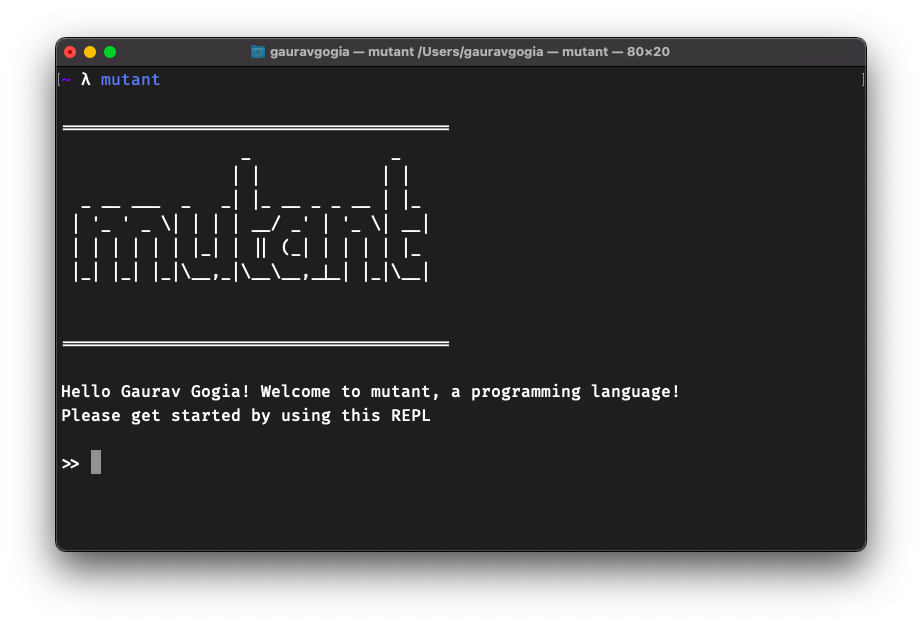
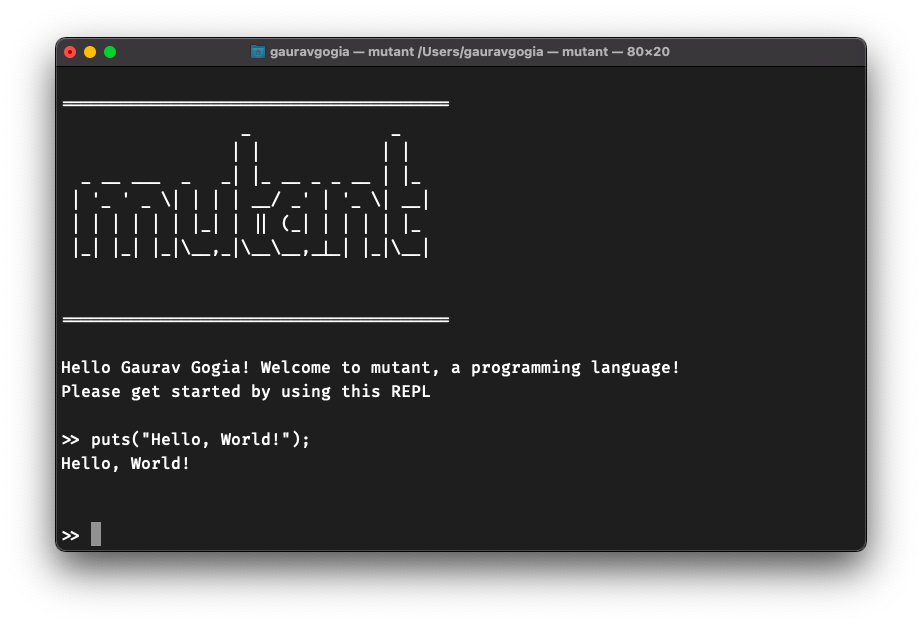
To run the age old “Hello, World” program, use following code snippet following image should be your output:
putf("Hello, World!");
Code through mut file
All your mutant source code files will have
extension mut, this extension is used by the compiler to read the source code
and generate the compiled bytecode file with mu extension.
- Create a file named
code.mutin any directory of your choice - Write some mutant code in in that file using the IDE of your choice
- Run
mutant code.mutto generate the compiledmufile with the same name in same directory - Run
mutant code.muto run your compiled code
Releasing your builds
Mutant can generate self-contained, independent, executable binaries. Following are some examples:
- Basic Usage:
mutant release -src code.mut
- Cross Copmilation:
mutant release -src code.mut -os linux -arch 386